
Distribute Plugins via GitHub
You can upload your plugin to GitHub, create a Release for the repository, and upload the .lbpkg file, allowing other users to install it in LangBot.
Build Plugin
Execute the following command in the plugin directory:
bash
lbp buildThis will generate a .lbpkg file in the dist directory.
Create Release
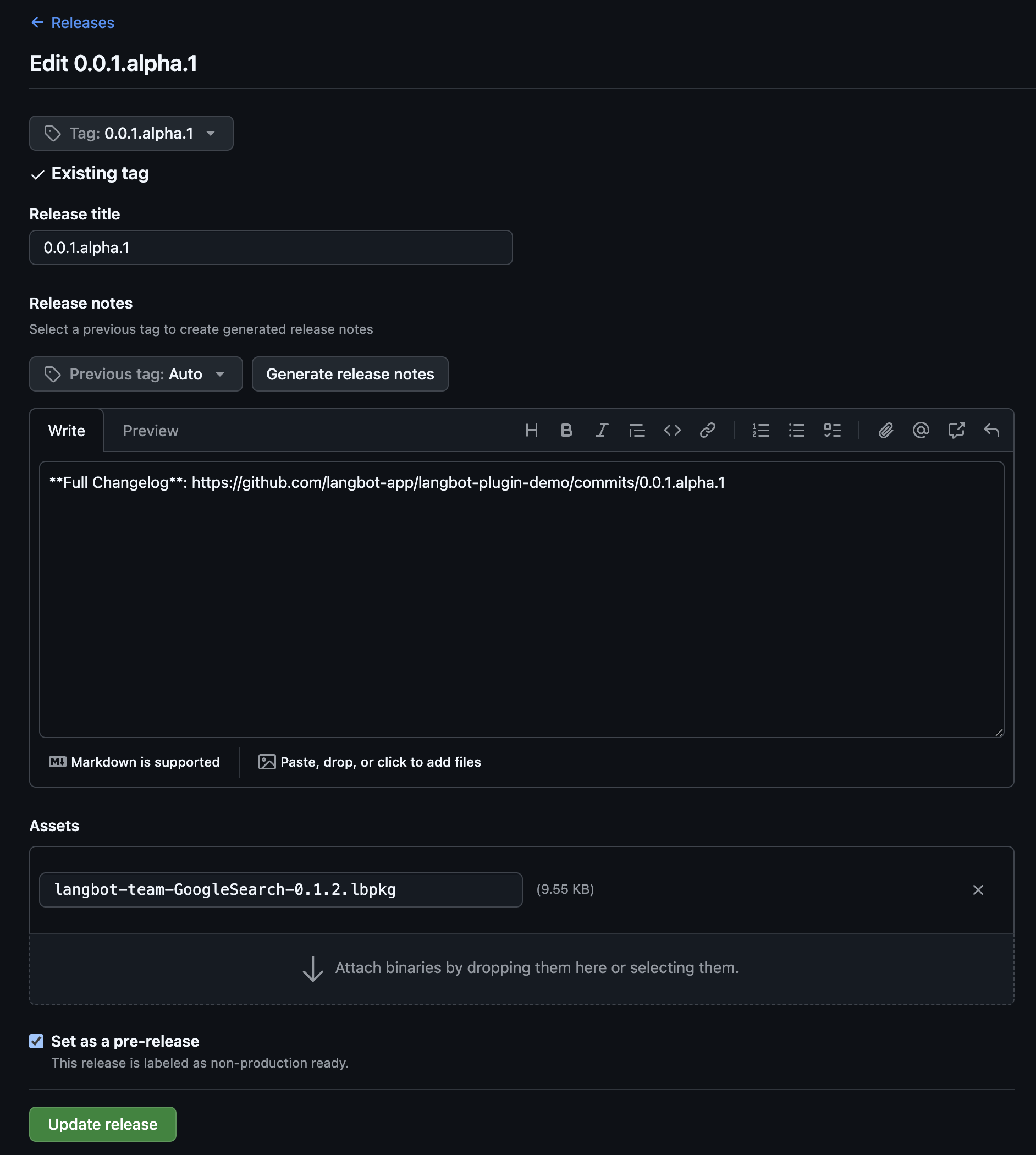
Upload your plugin to GitHub, then go to the Release page of your plugin repository, click to create a Release, and upload the .lbpkg file you just built.
Install Plugin
In LangBot's plugin management page, click the top-right corner to select the GitHub installation method.